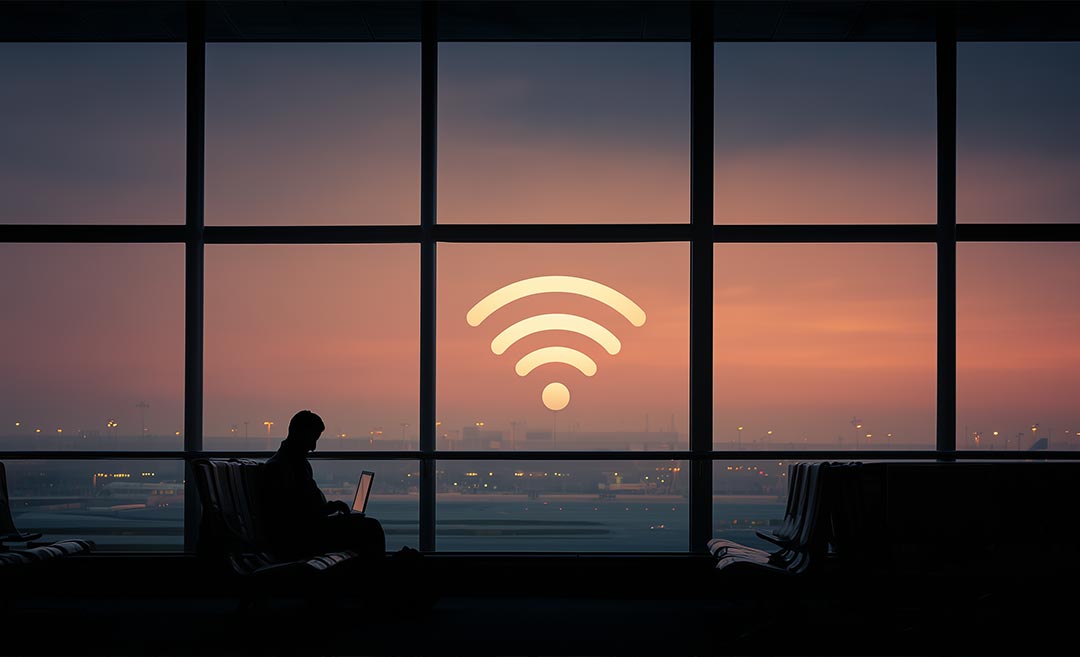
As travellers face post-holiday delays and long layovers, experts warn that public airport Wi-Fi becomes a prime cyber risk.
Travel rarely feels glamorous after the holidays. Crowded terminals, delayed flights, missed connections, and long hours spent waiting at the gate are familiar scenes for anyone heading home. When fatigue and frustration set in, most of us reach instinctively for our phones—checking emails, confirming bookings, scrolling aimlessly, or trying to pass the time on airport Wi-Fi.
Cybersecurity experts say this moment of distraction is exactly when digital risks spike.
According to industry data, air traffic delays have surged globally over the past decade, leaving more travellers stranded in airports for longer periods. At the same time, cybercrime continues to rise, with criminals increasingly targeting stressed and distracted travellers through unsecured public networks. Airport Wi-Fi, often open and unencrypted, has become a favourite hunting ground.
Why airports are a hotspot for cyber risks
Public Wi-Fi networks in busy travel hubs are easy to exploit. Some don’t require passwords at all, while others can be mimicked by fake “look-alike” networks set up to capture personal information. In one widely reported case, a passenger’s login details were stolen through a fake Wi-Fi network set up on a flight.
When travellers are tired, rushing, or dealing with delays, caution often takes a back seat. That’s when people are more likely to log into email accounts, check banking apps, or make last-minute bookings—exactly the kind of activity cybercriminals look for.
Stay safer on airport Wi-Fi
Avoiding public Wi-Fi entirely isn’t always realistic, especially during long layovers. Here are a few simple habits, recommended by the experts, that can significantly reduce risk:

1. Use a VPN on public networks
A Virtual Private Network (VPN) encrypts internet traffic, creating a secure “tunnel” that hides online activity from others on the same network. This makes it far harder for hackers or malicious hotspot operators to see what you’re doing or steal sensitive information.
2. Lock down your device before you travel
Disable automatic connections to open Wi-Fi networks so your phone or laptop doesn’t unknowingly connect to fake hotspots. Turning off file sharing and installing software updates before your trip can also close security gaps that attackers often exploit.
3. Treat airport Wi-Fi as read-only
Use public Wi-Fi for low-risk tasks like browsing or checking flight information. Avoid financial transactions, online shopping, or logging into sensitive accounts. If it’s important, wait until you’re on a secure connection.
As travel continues to rebound and airports grow busier, digital awareness is becoming just as important as packing the right adapter or travel insurance. In moments of exhaustion and inconvenience, staying cautious online can help prevent problems that last far longer than a delayed flight.