MyBorderPass is a new QR-based system that lets Malaysians clear KLIA immigration in under 10 seconds—no passport scanning, no forms, just your phone and face. (Image from Getty Images)
If you’ve stood in long queues at the immigration counters, juggling forms and passports, you’ll want to hear about MyBorderPass. This digital clearance system was introduced last year to make cross-border travel easier for Malaysians, but surprisingly, many travellers still haven’t signed up. Here’s what you need to know—and why it’s worth signing up.
What is MyBorderPass?
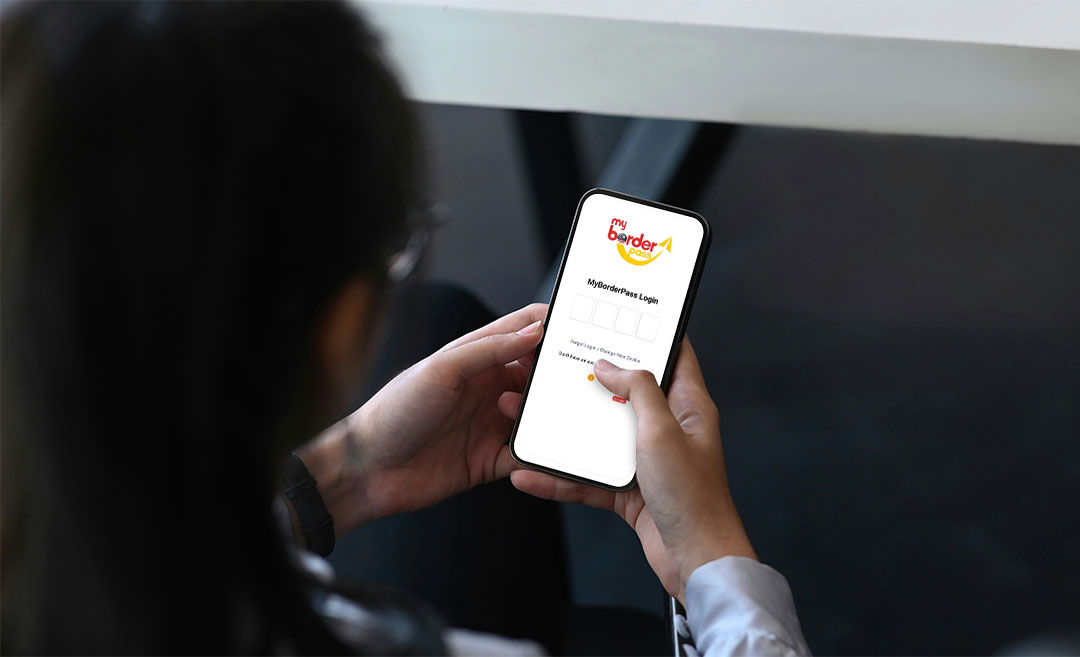
MyBorderPass is a digital immigration clearance system that utilises QR codes and facial recognition to expedite border processing for Malaysian citizens at KLIA. The service isn’t mandatory, but it offers a serious time-saving upgrade for those who fly often. Instead of queuing for manual checks or scanning your passport at the auto gate, you scan a QR code from your phone, verify your face, and you’re done.
Where can I use it?
MyBorderPass is currently in operation at a few key entry and exit points:
- KLIA Terminal 1
- KLIA Terminal 2
- Bangunan Sultan Iskandar (BSI) and Sultan Abu Bakar Complex (Second Link) in Johor
These locations are just the beginning. The government has plans to roll it out at other international gateways, including Penang, Langkawi, Kota Kinabalu, and Kuching in the coming phases.
Who can use it?
Currently, only Malaysian citizens are eligible. You must be 18 or older, hold a valid Malaysian passport, and register individually—there’s no family check-in option yet. One account = one person.
Foreign travellers and dual citizens using non-Malaysian passports are also not eligible for the app.
How does it work?
All you need is your smartphone and passport. Here’s the step-by-step:
1. Download the MyBorderPass app from the Apple App Store or Google Play Store.
2. Open the app and tap ‘Register Now’.
3 .Use your phone’s camera to scan the photo page of your passport. Ensure the Machine Readable Zone (MRZ) is clearly visible.
4. The app will automatically pull your passport details.
5 . Fill in your contact information. (Skip the vehicle registration if you’re not driving across borders)
6 . Take a selfie for facial recognition setup.
7. Set a 4-digit PIN to secure your app.
The app will generate a QR code, which refreshes every 60 seconds for security.
Then, before each trip, you simply generate this one-time-use QR code from the app, which you’ll scan at the dedicated MyBorderPass smart lanes. The e-gate will then use facial recognition to verify your identity, and you’re good to go. The process is designed to be entirely contactless—no fingerprint scans, no passport stamping, no fuss.
Note: You don’t need to show your passport at the MyBorderPass lane, but you must still carry it with you in the airport, as it’s legally required for international travel.
Why it’s worth signing up for
One of the biggest benefits of MyBorderPass is time saved. With faster clearance at busy entry points like KLIA or the Johor Causeway, you’ll be able to skip the long queues and get on your way faster. It’s especially useful for frequent flyers or business travellers, and a welcome upgrade during holiday season travel chaos.
In fact, according to the authorities, MyBorderPass has helped reduce immigration staff demand by over 60% at some locations. It’s a win-win: travellers move faster, and operations become more efficient.